




An app that cares

Your day, on one clear path.

Tasks, focus, mood and money in a single local-first app. Nothing leaves your phone unless you ask it to.

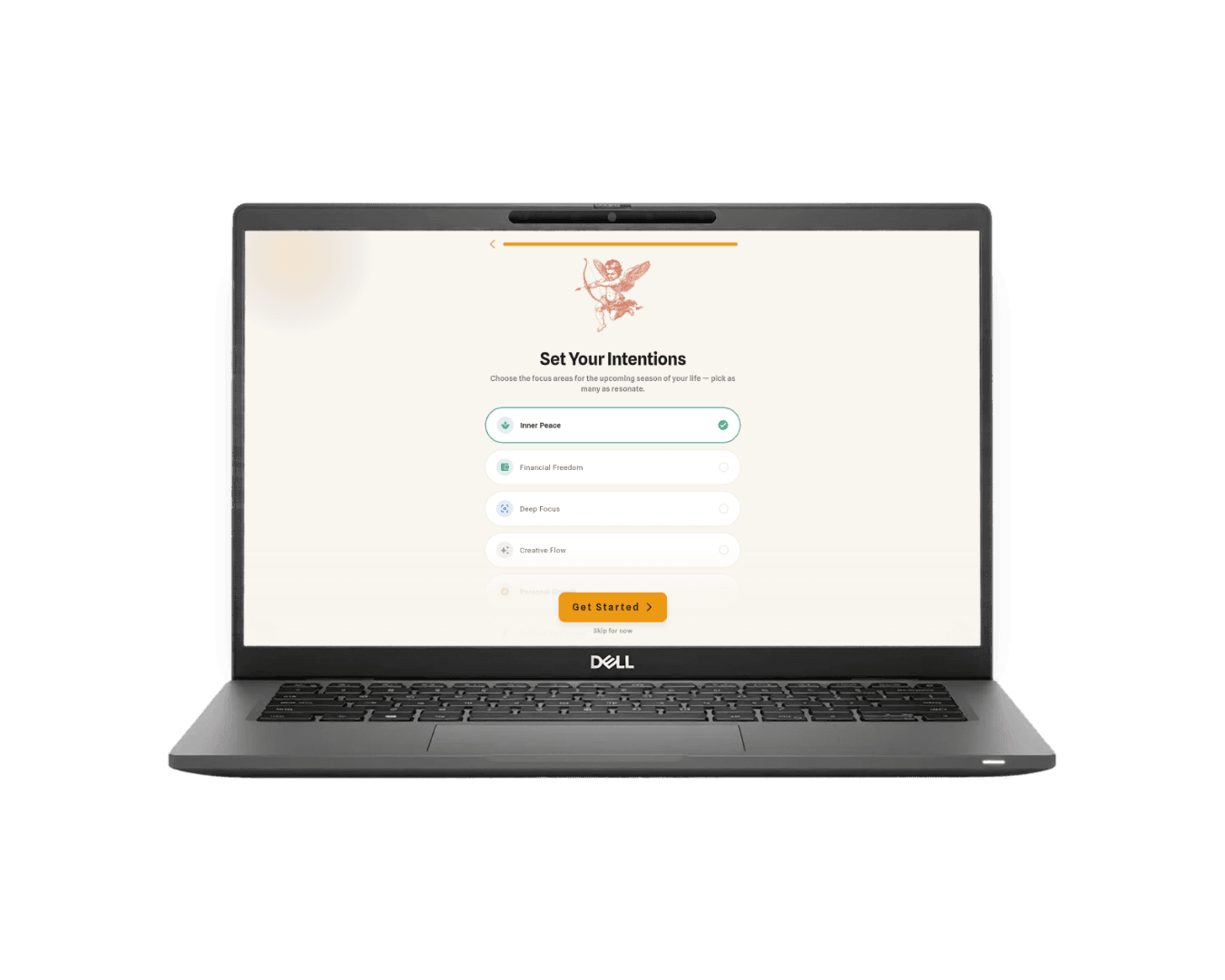
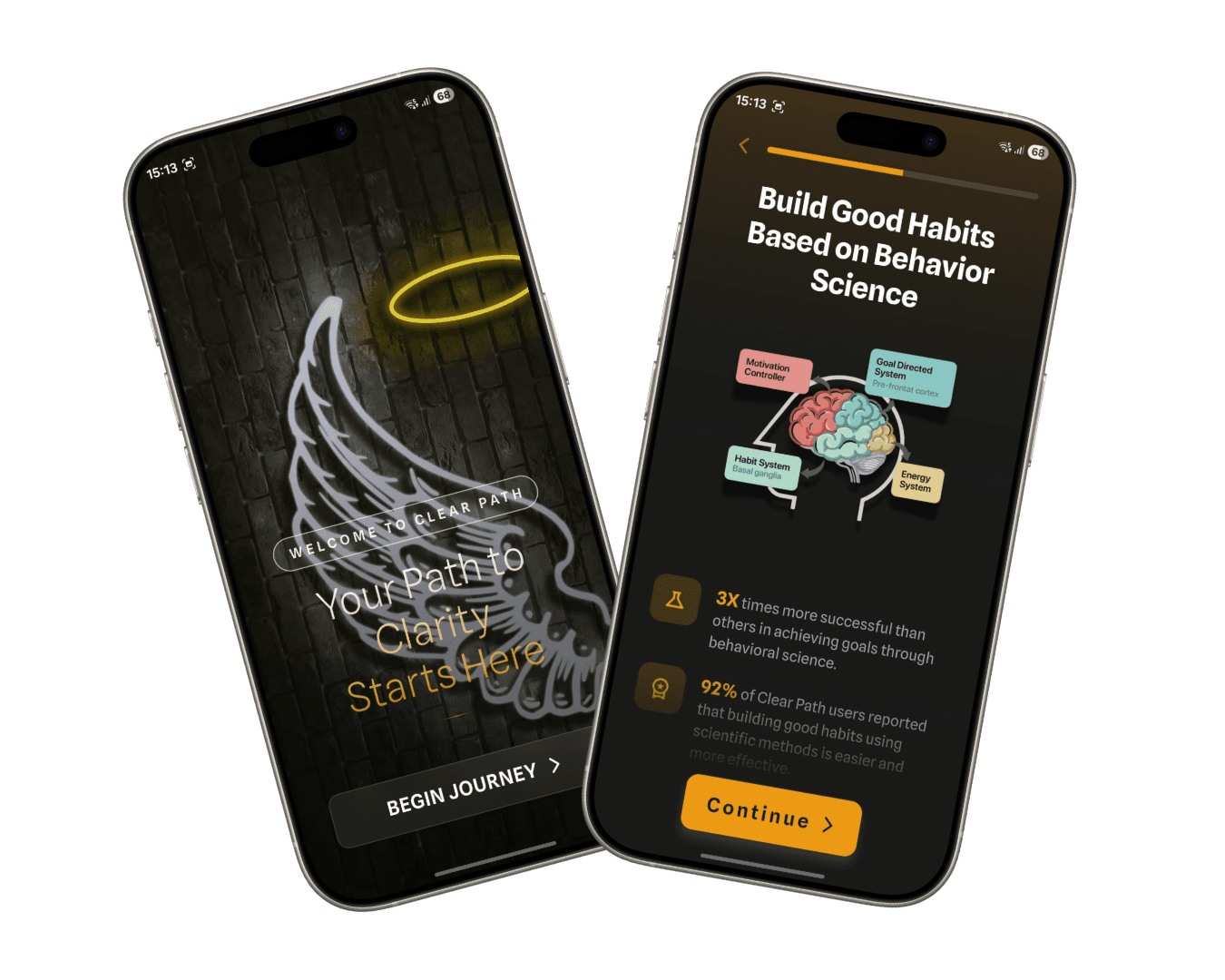
Clear Path onboarding on two phones

The short version

Your day is not one thing, so the app isn’t either.

Tasks and money, yes. But also a focus timer that closes the door, breathing for the gap between two things, AI that turns a spoken sentence into a finished task, and friends you can hand a job to. All of it on your phone, working with no signal.

Get started

Download Clear Path and take your day back

15:1367

Clear Path

LIFE OPERATING SYSTEM

Good afternoon, Idris!

You're 3/12 through setup, keep going!

33%MOMENTUM
TODAY'S PRIORITIES
Ship the onboarding revamp
Call mom
Morning pages
Getting Started3 / 12

Group 1 of 2 · Tasks & Focus

Create a taskDone
Add a quick task (hold FAB)Done
Start a focus sessionDone
View the task timelineGo
Mark a task as completeGo
Delete a task by swipingGo
SPENDING SNAPSHOT₹18.4K
MTWTFSS

WELLNESS SUGGESTION

THOUGHTS & REFLECTIONS

Journal to clear your mind and gain insights

HOW ARE YOU FEELING?

Select a mood to unlock spiritual advice

"Discipline is choosing between what you want now and what you want most."

Nine parts, one path

Nine things your day already has. One place that holds them.

Tasks, focus, breathing, mood, notes and money. One app that works with no signal and keeps everything on your device first. Scroll on, or jump straight to the part you came for.

Daily practice

The three that carry the day

01 / 09

Recurring tasks that actually recur

Plan the day, give it a priority, and let the things that repeat look after themselves. Completion is tracked per occurrence, so yesterday's tick never hides today's task.

  • Priorities you can filter down to
  • A timeline view for the whole week
  • Alarms on the ones that can't slip
Clear Path task list with priorities and recurring tasks
02 / 09

A timer that closes the door

Start a session, name it, pick how long it runs. The rest of the app steps back until you're done, and the shapes that work for you get saved as templates you can start in a tap.

  • Sessions you can name and keep
  • Reusable templates for your usual runs
  • Nothing to configure twice
Clear Path focus session counting down
03 / 09

Breathe, then carry on

A guided breathing session for the gap between two things. Keep a streak if it helps you show up, ignore it if it doesn't. The history is there either way, and nothing nags you about it.

  • Guided inhale, hold and release
  • Streaks without the guilt trip
  • Every session kept in your history
Clear Path breathing session at full inhale

Reflection

What the day leaves behind

04 / 09

The pattern surfaces itself

One tap a day is the whole ritual. After a few weeks the calendar has more to say about your month than you could have recalled on your own: good weeks, hard weeks, and what sat around them.

  • A check-in that takes one tap
  • A month you can read at a glance
  • Open any day for the detail behind it
Clear Path mood calendar filled in for the month
05 / 09

A notebook that stays on the device

Somewhere to put the thing you're turning over. Notes are written and stored locally, tagged however you like, and they only reach the cloud if you're on Pro and you ask them to. Thoughts lives in the app.

  • Local-first, private by default
  • Tags instead of folders
  • Cloud sync only when you turn it on
Clear Path note editor with a draft entry and tags
06 / 09

Everything, the moment you open it

Momentum, today's mood, what's left on the list and where the money went. One screen, no digging. It's the first thing the app shows you and most days it's the only thing you need.

  • Momentum you can actually see
  • Today's check-in without leaving home
  • Tasks and spending side by side
Clear Path dashboard showing momentum, mood and tasks

Money

The part nobody enjoys, made quick

07 / 09

Logged in seconds, split without the maths

Add what you spent before you've put your card away. Scan a UPI code, pick an account, and if it was a shared bill, flip the split on and let it work out who owes what.

  • Capture by UPI QR or by hand
  • Multiple accounts and balances
  • Splitting that does the arithmetic
Clear Path add-expense screen with a bill being split
08 / 09

A boundary per category, and what's left of it

Decide what each part of your life gets this month and watch the ring close as you spend. No lectures when you go over. Just a number you can see coming, early enough to do something about it.

  • One boundary per category
  • Warnings before the limit, not after
  • Last month's history, kept
Clear Path budget rings, one close to its limit
09 / 09

Who owes what, settled without the awkwardness

The khata your family has always kept, with the arithmetic done for you. Every loan, repayment and shared bill lands against a person, and the running balance is right there when it's time to square up.

  • A running balance per person
  • Shared bills land here automatically
  • Settle up and watch it reach zero
Clear Path ledger showing balances owed between people